
- Home
- Guides by niche
- Digital art and Procreate creators
For digital art and Procreate creators
Turn your digital art process into a drawing workbook.
For digital art creators teaching Procreate, a workbook could explain the decisions between a sketch and a finished image. Explore an illustrative workflow guide with layer plans and drawing studies, separate from the studio's visual-warmth guide. We research, write and design it in your voice, built first at our cost.
For creators with an engaged, English speaking audience, typically between 10,000 and 100,000 followers.
The questions
The guide is already in your comments.
Repeated questions can suggest what a guide should explain. They do not prove that someone will buy. We read your content, comments and questions, then group the recurring asks into a product idea to evaluate.
How do you decide what belongs on a separate layer?
a possible workflow questionCan I see the stages between the sketch and the finished piece?
a request for process notesWhy did you choose that brush for this part?
a question about a drawing decisionCan you give me an exercise to practice this process?
a possible request for a drawing study
Examples of the kind of question, not collected data
What a guide could look like
An example outline. Yours comes from your audience.
- Choose a drawing briefAn original still-life prompt with space for references the reader has permission to use.
- Record the workspaceA setup sheet identifying the app version and settings shown in the creator's examples.
- Compare small sketchesThumbnail studies with notes explaining composition choices.
- Plan the layersAn annotated layer map that connects each part of the study to its purpose.
- Study a brush decisionMark-making comparisons using tools the creator can demonstrate and reference.
- Follow a worked drawingOriginal process images with explanations of the choices between stages.
- Review and organize the filesA reflection sheet and file checklist matched to the intended use of the artwork.
Likely buyers
The people already asking you.
- Digital artists who can follow a timelapse but want to understand the choices it skips.
- Procreate learners looking for exercises alongside your demonstrations.
- Followers who want a way to plan and review their own drawing studies.
Why a guide
A timelapse compresses the pauses when an artist compares options. A workbook can put those decisions next to the process images, then leave space for the reader's attempt. The focus would be a drawing workflow rather than a promise that a brush creates a style.
What you get
A product built around your teaching.
The ebook
Designed chapters, exercises, diagrams and illustrations.
Bonus tools
Checklists and worksheets your readers actually fill in.
Cover & identity
One product world, built from your aesthetic.
Launch preparation
Explore the separate Launch kit for help preparing a product launch.
- 01Listen
- 02Find the pattern
- 03Validate
- 04Build
- 05Package
- 06Learn
See how the digital product is built, then estimate what a guide could earn or explore the separate digital product launch kit.
The partnership
We win when the product wins.
- Apply, then agree terms in writing. Ownership, responsibilities and terms are agreed before work starts.
- Then we build it, at our cost. You see the finished product before anything launches.
- Nothing is published without your approval. You see a preview, then the full file, then the sales page.
- An optional introduction. If you would like to talk first, an optional 15-minute intro call is available.
- Your content stays yours. We do not publish anything under your name without your approval, and we do not claim your audience or your content.
- Built around your audience. The outline here is illustrative. Your product starts with your content and audience questions.
Legal and financial terms are confirmed in the written agreement, not on this page.
Selected work
Selected products. Each in its own world.
No procreate workflow guide among them yet. Each was researched, written and designed by the studio around one niche and one voice.
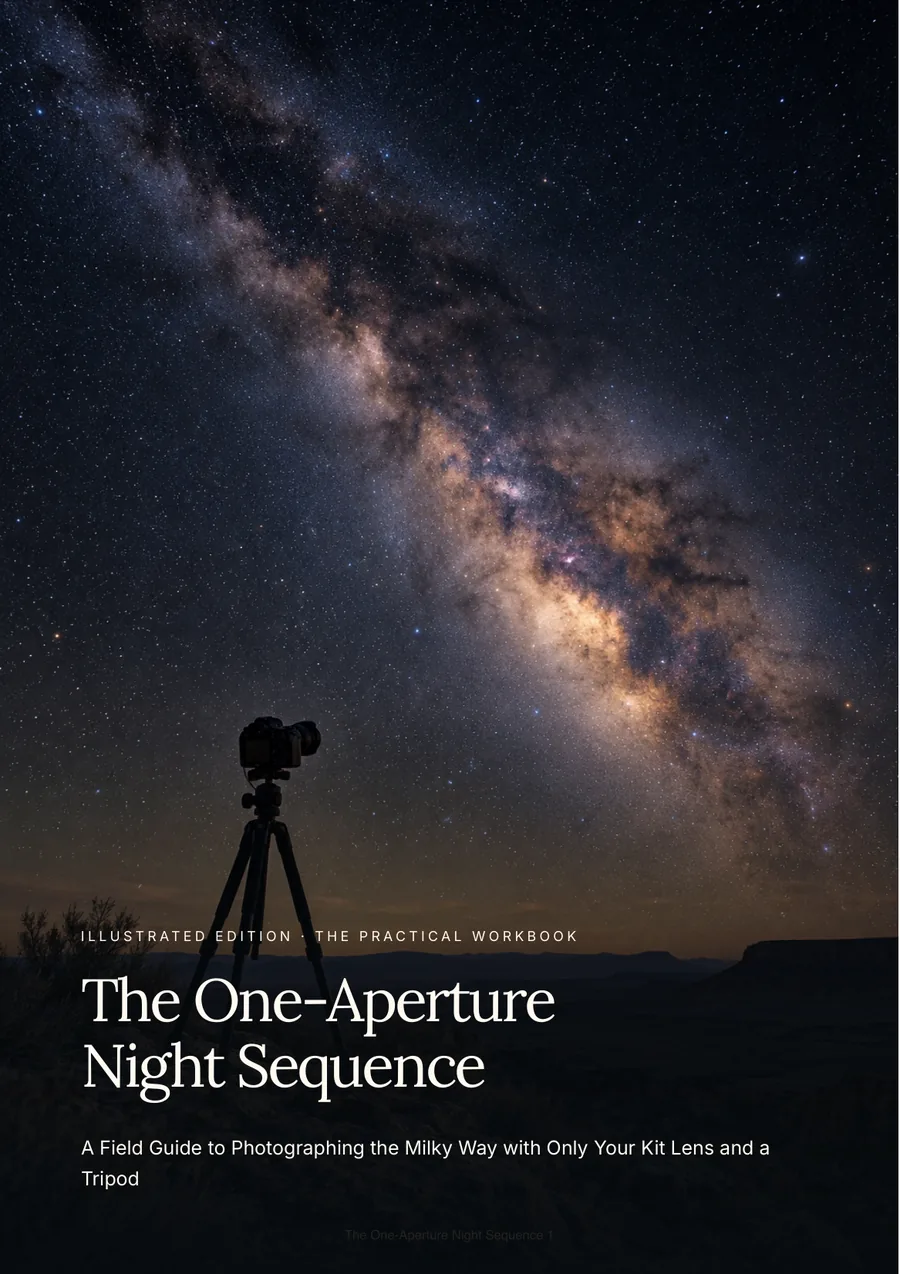 AstrophotographyThe One-Aperture Night Sequence
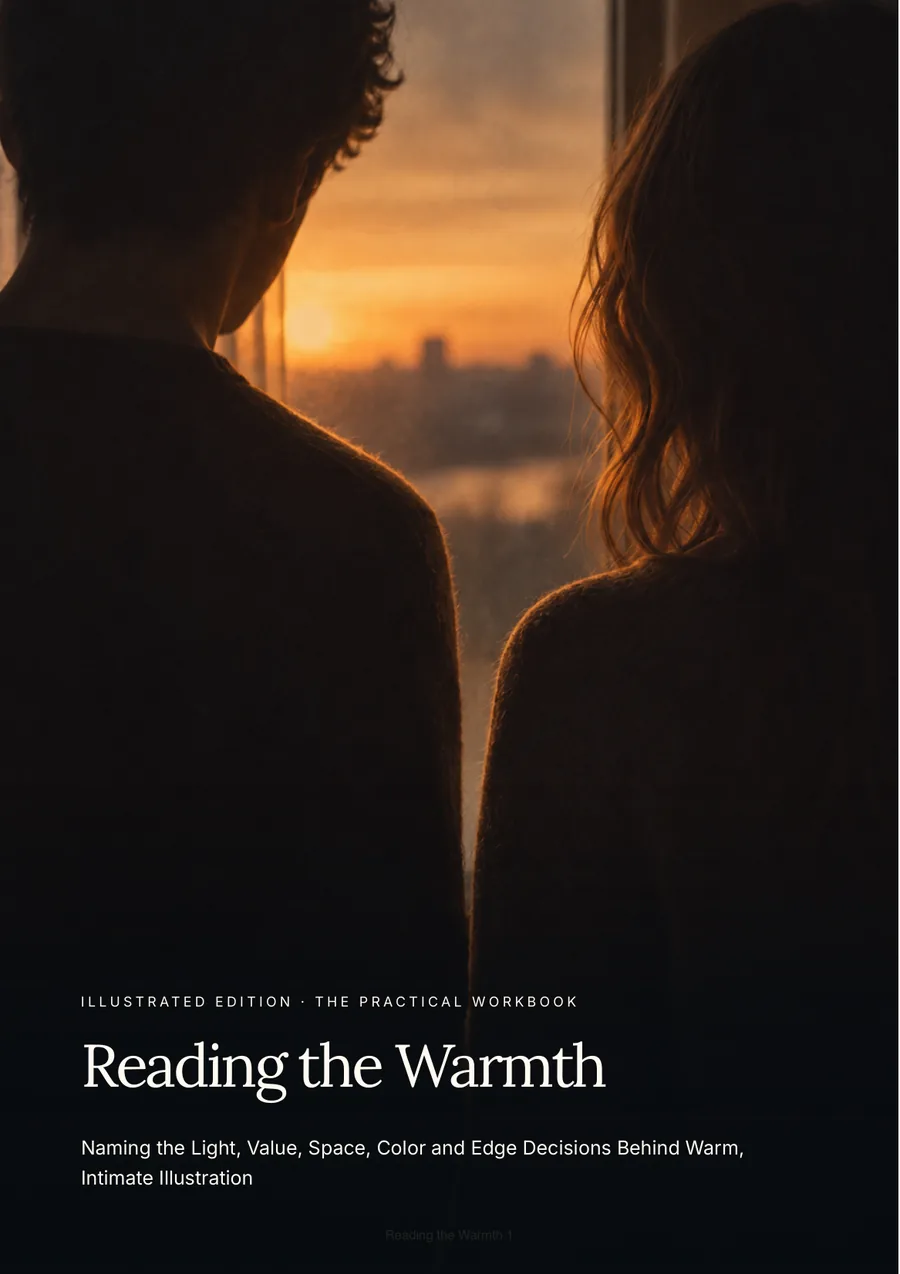 Digital illustrationReading the Warmth
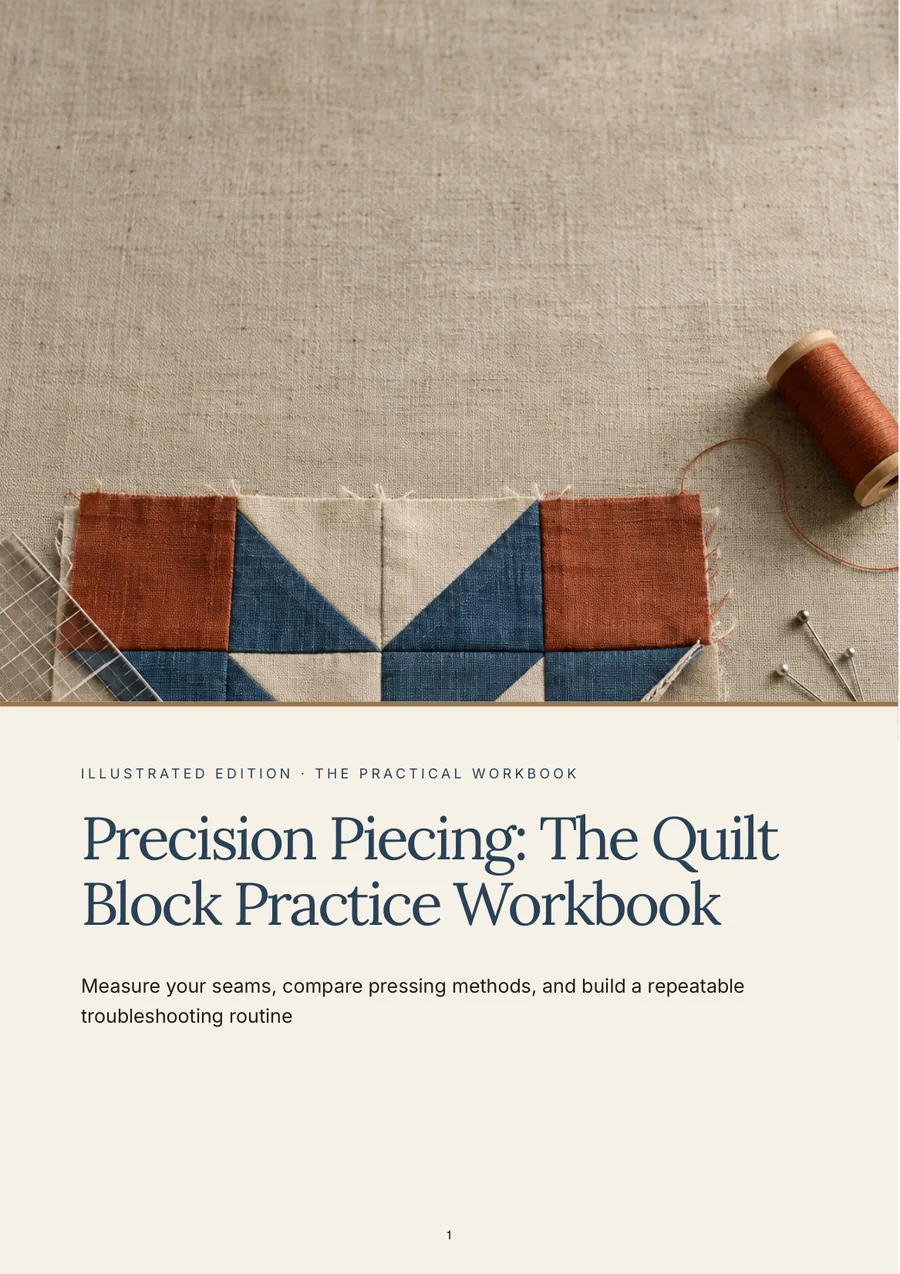 QuiltingPrecision Piecing: The Quilt Block Practice Workbook
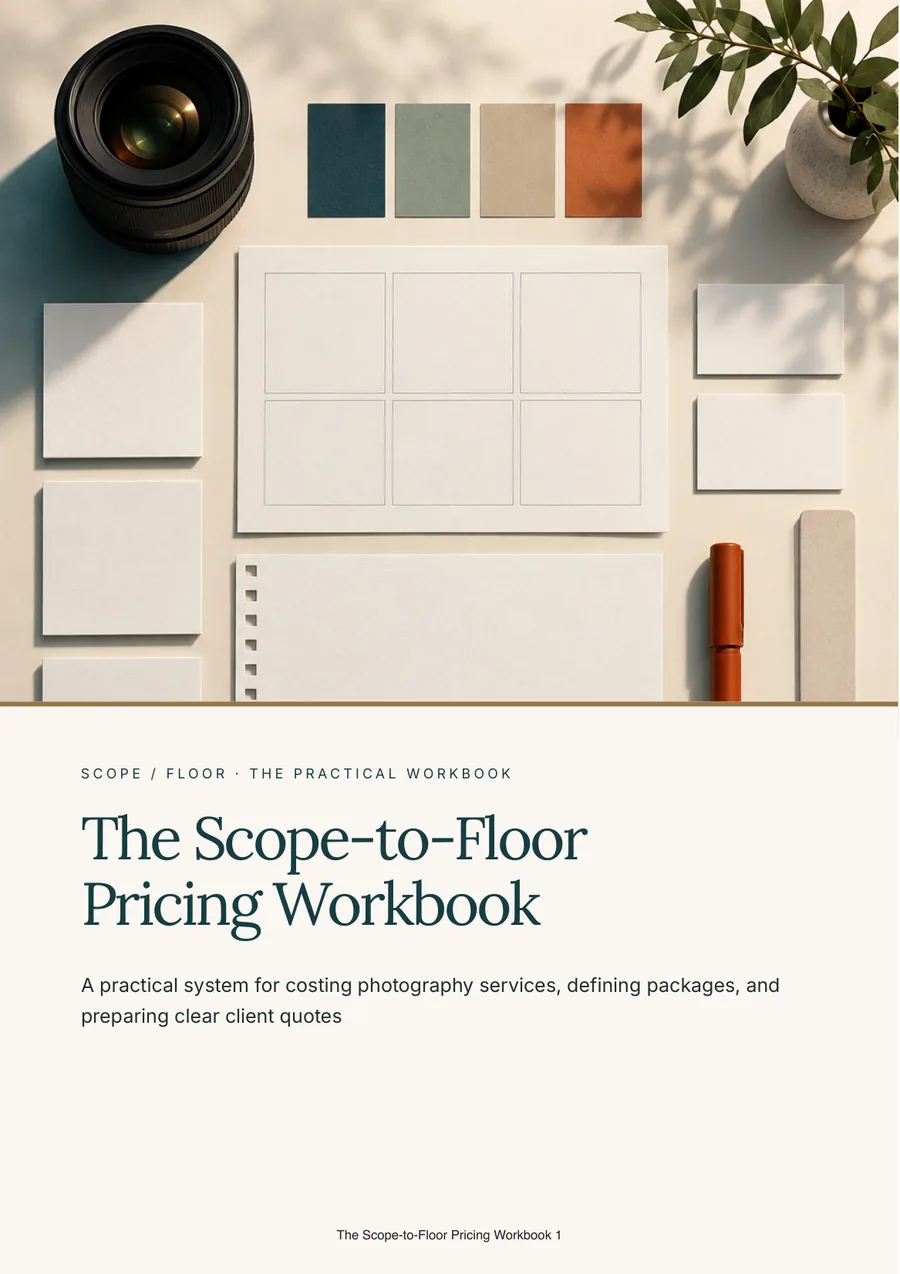 Photography businessThe Scope-to-Floor Pricing Workbook
Real covers · creator names withheld
Questions
Before you apply.
Is this the visual-warmth guide in your portfolio?
No. Reading the Warmth is an existing illustration guide. This Procreate workflow outline is a separate, unbuilt idea, not an official Procreate product or an implied endorsement. App-specific instructions would need to be checked against the version used. We do not promise sales. You approve the finished product before launch.
Do I need to write the guide myself?
No. We research, write and design the whole product from your content and your audience's questions, in your voice. You read the finished product and approve it before anything is published.
Who owns the product?
This is set in the written agreement before work starts. We do not publish anything under your name without your approval, and we do not claim your audience or your content.
More answers in the full FAQ.
Other niches
Already have a product? Find the next step for your launch, creator site or ads.
Build what your audience already asks for.
Tell us where your audience lives. We read every application and reply personally.
Apply as a creatorYou see the finished product before anything launches. Terms are agreed in writing first.